
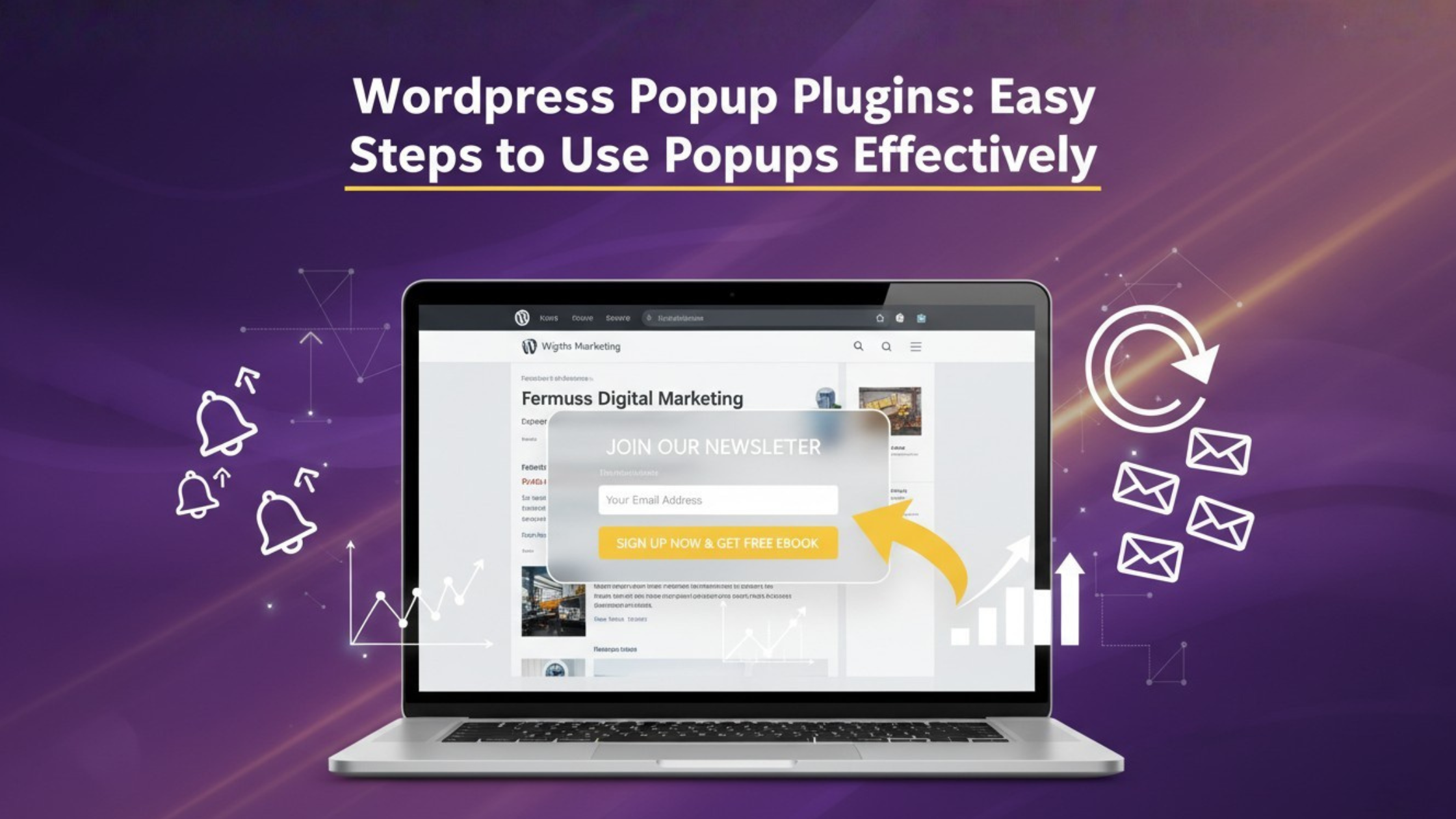
- WordPress popup plugins: Smart Tips for Better User Experience
Popups are all over the place today. You go to a website and suddenly a box pops up asking for your email or shoving some type of limited offer in front of you. Sometimes they are useful, but sometimes they can be a bit irritating. The good news is that with the right tricks, you can take advantage of WordPress popup plugins in a way that doesn’t frustrate your visitors.
Why are Popups Still Useful
Some people see popups as a negative thing. This is not true. If you use them the right way, then they can actually lead to more sales, more email captures, and more engagement on your website. Using a WordPress popup plugin you can show special discounts, have limited time offers during holidays, or ask people to join your newsletter.
Tip 1: Show Popups at the Right Time
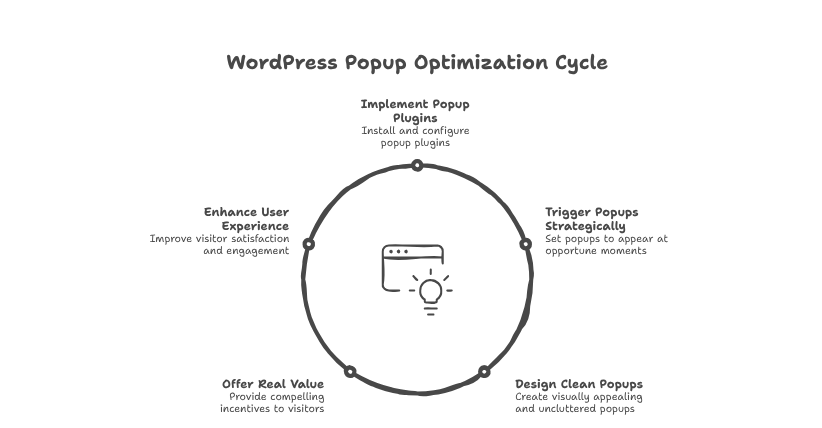
Timing is everything. Do not popup up right after someone opens your site. A good idea is to have the popup trigger during 20-30 seconds or when the user scrolls down the page a little. This gives the user a chance to engage with your content and be more open to your offer.
Tip 2: Keep a Simple Design
A popup should look the way you want it to: neat and clean. If it is distracting, there may be a chance users are going to close it straight away. Most WordPress popup plugins offer pre-made designs that are minimalistic and mobile-ready. Make sure you use soft colors, don’t use too much text, and provide a clear button so people know what to do.
Tip 3: Provide Real Value
Nobody wants to hand over their email as a ‘give-away’. You need to provide an incentive. It could be a free guide, a discount accessibility code, a one-time product discount, or a way to be updated exclusively from your website. If you provide real value upfront, visitors will see a popup as useful because it provides value, instead of interruptive.
Tip 4: Use Exit-Intent Popups
This is one of the best tricks. Exit-intent popups show up only when a visitor is about to leave your site. For example, when they move the mouse to close the tab, a popup can appear with a “Wait! Get 10% off before you go.” Many WordPress popup plugins have this feature, and it works really well.
Tip 5: Test and Improve
Not every popup will work the same. Some messages may get more clicks, while others may fail. That’s normal. It’s always better to try multiple ideas before deciding. Most WordPress popup plugins come with options to test and measure results.